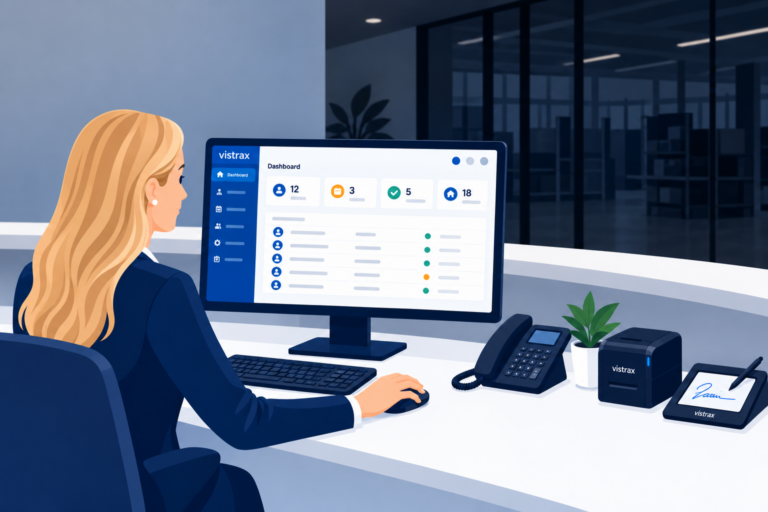
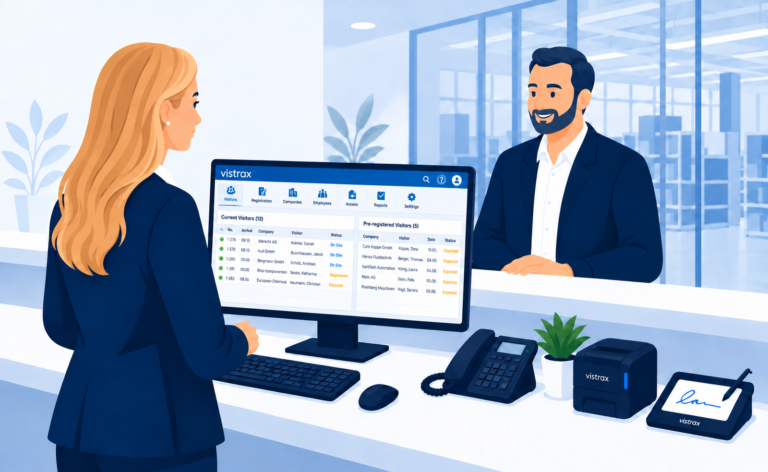
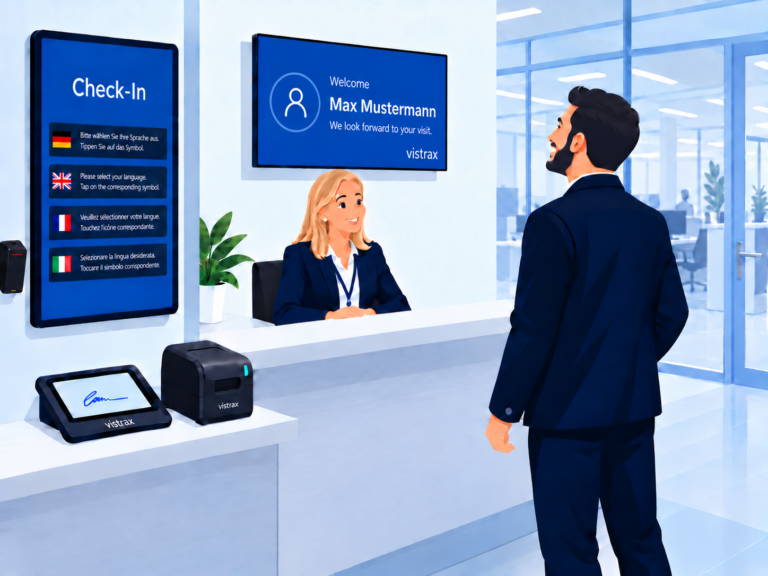
The Core Application is the central management hub of vistrax. Here you manage visitors, visits, visitor badges, master data and settings, and document every step in an audit-ready way.
The Core Application helps the reception team register visitors quickly, check visits, issue visitor badges and document every step in an audit-ready way.
1. Prepare visit
Create master data
Schedule visits
Send invitations
Change visits
2. Manage visit
View scheduled visits
Carry out check-in / check-out
Print visitor badges
Create master data
Notify hosts
Have documents signed
Check attendance
3. Document visit audit-ready
Check signatures
Log history
Create emergency lists
Anonymise data
A typical visitor process with the Core Application
The vistrax Core Application supports reception in every key step of the visitor process: from preparing a visit and on-site check-in to audit-ready documentation.
1. Keep track
Reception sees at a glance which visits are scheduled, who is currently on site and which visits have already ended.
Relevant requirements such as valid signatures, safety briefings or outstanding returns of loaned items can also be checked. Visitors who have checked out on their own can be removed from the active overview once their visit has ended. The blocklist lets you restrict access for blocked persons or companies on future visits.
2. Prepare the visit
Visits can be created in advance in the Core Application, capturing key information such as visitor name, company, host, purpose and time of visit.
If required, vistrax automatically sends configurable email invitations to the visitor and the host. Invitations can include additional information such as contact details, calendar files, PDF attachments and a QR code or barcode for self-service check-in at the Kiosk.
3. Receive the visitor
When the visitor arrives, reception greets them and opens the prepared visit in vistrax. All relevant details are immediately available – including purpose of visit, host, planned location, catering, vehicle data and other stored information. Additional notes or special requirements can be viewed directly in the free-text field.
If an IP phone system is connected, reception calls the host directly from vistrax to announce the visitor's arrival.
4. Print visitor badge
Reception prints the visitor badge assigned to the respective visitor group. This way, external contractors, business customers or security-critical visitors, for example, can be clearly identified by different badge types.
Optionally, QR codes or barcodes can be added to the visitor badge. If enabled, they allow visitors to check out on their own at a barcode scanner or the Kiosk later on.
5. Obtain confirmations
Depending on the visitor group and language, reception can open the relevant documents and rules. For example, visitors with access to production may be subject to different safety, hygiene or conduct guidelines than business customers without access to operational areas. Confidentiality agreements such as NDAs or loaned items can also be assigned to the visitor process.
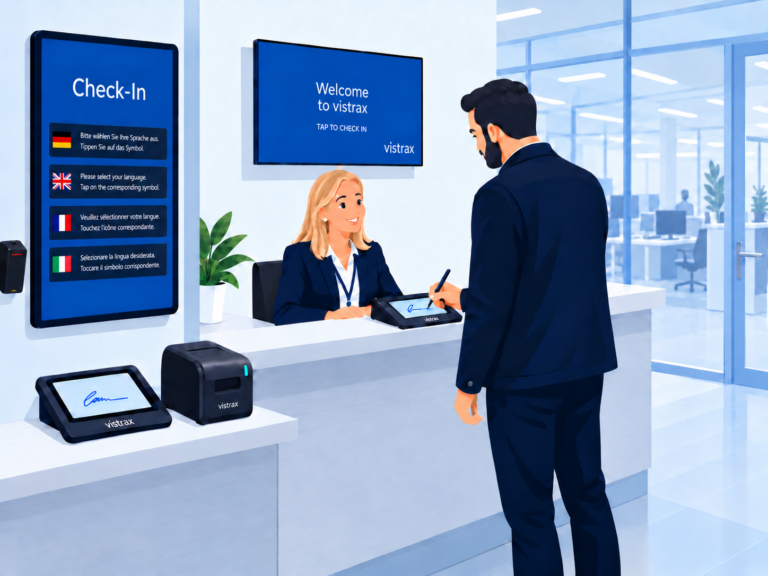
Required confirmations can be captured digitally on a SignPad. The SignPad displays the corresponding reference text and then records the visitor's signature. If no digital signature is required, reception can instead check the required documents or proof visually.
6. Complete check-in
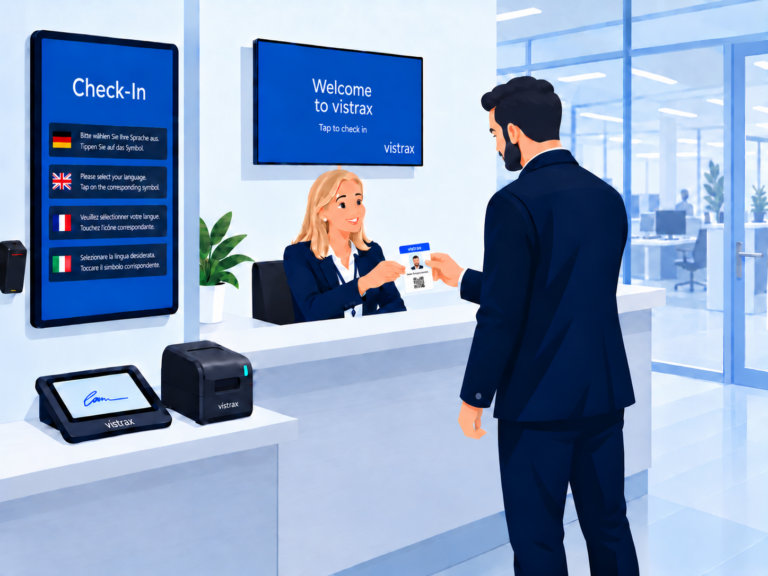
Reception completes the check-in and hands the prepared visitor badge to the visitor. Optionally, vistrax automatically notifies the host of the visitor's arrival by email.
Standardised at the core - flexible in the details
Roles, permissions and settings can be flexibly configured in vistrax. This allows different sites, visitor groups and industry-specific requirements to be mapped within vistrax.
Is the Core Application right for your visitor process?
The Core Application is designed for companies that want to standardise their reception, store visitor data in their own IT infrastructure and document relevant steps in a traceable way.
Companies with a reception desk or plant entrance
Companies with audit and compliance requirements
Sites with visitor badges, safety briefings or documentation obligations
Modular expansion as needed
The Core Application is the central foundation. The Web-Client, Welcome and Kiosk add-ons cover further use cases.